
For Food Delivery apps
Fleet partnerships for food delivery apps.
Vehicle access, Captain coordination and operating support for food delivery apps, shaped around pickup clusters, meal windows and the service you run.
For fleet operators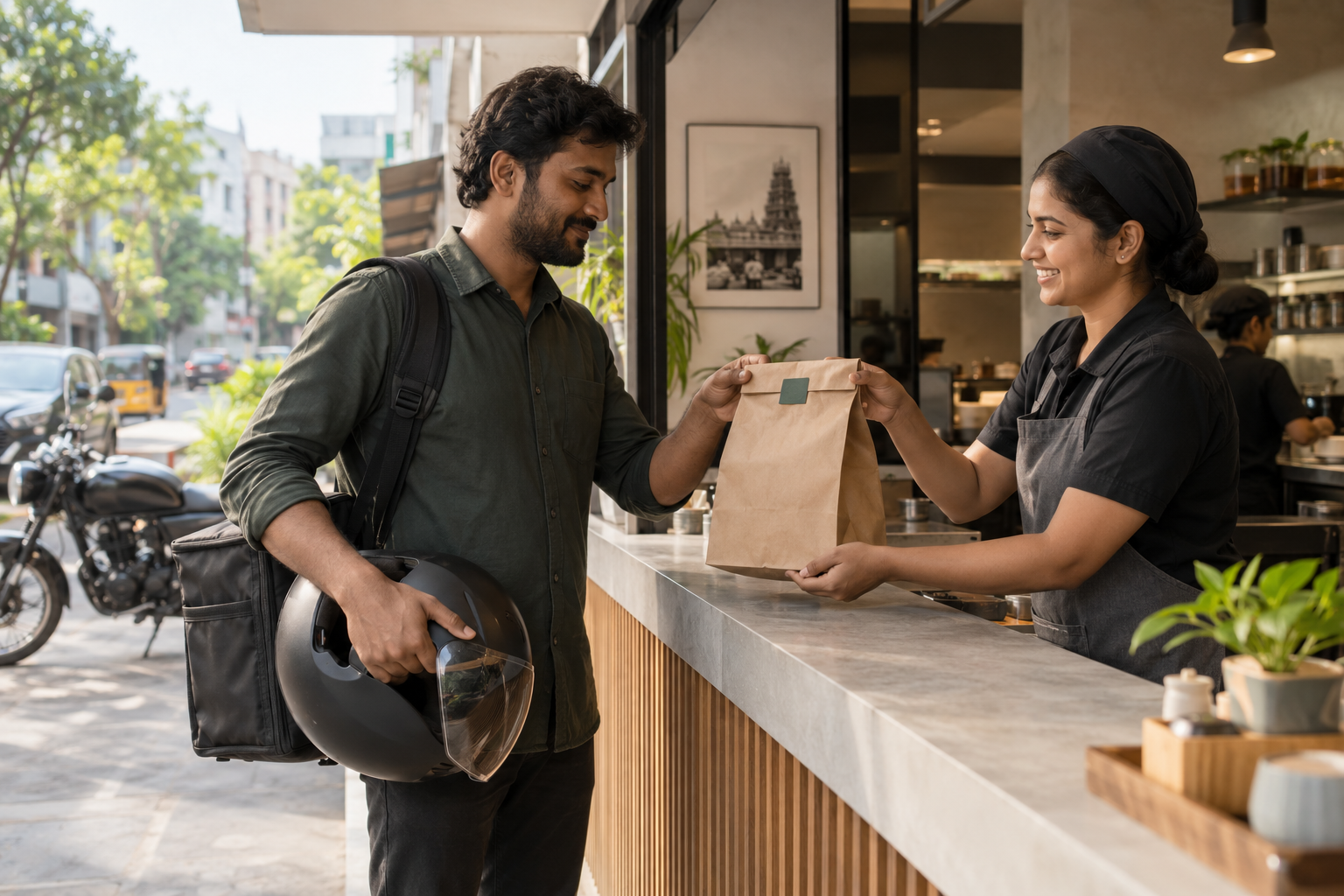
BEFORE THE ORDER LEAVES
A good pickup begins inside the restaurant.
The meal, the Captain and the collection point need to be ready for the same handover.
For an app team planning fleet support, accepted, packed and released orders create different capacity needs. The restaurant controls preparation; your app coordinates the order and assignment. The fleet team needs a clear interface with both.
Read the restaurant pickup guide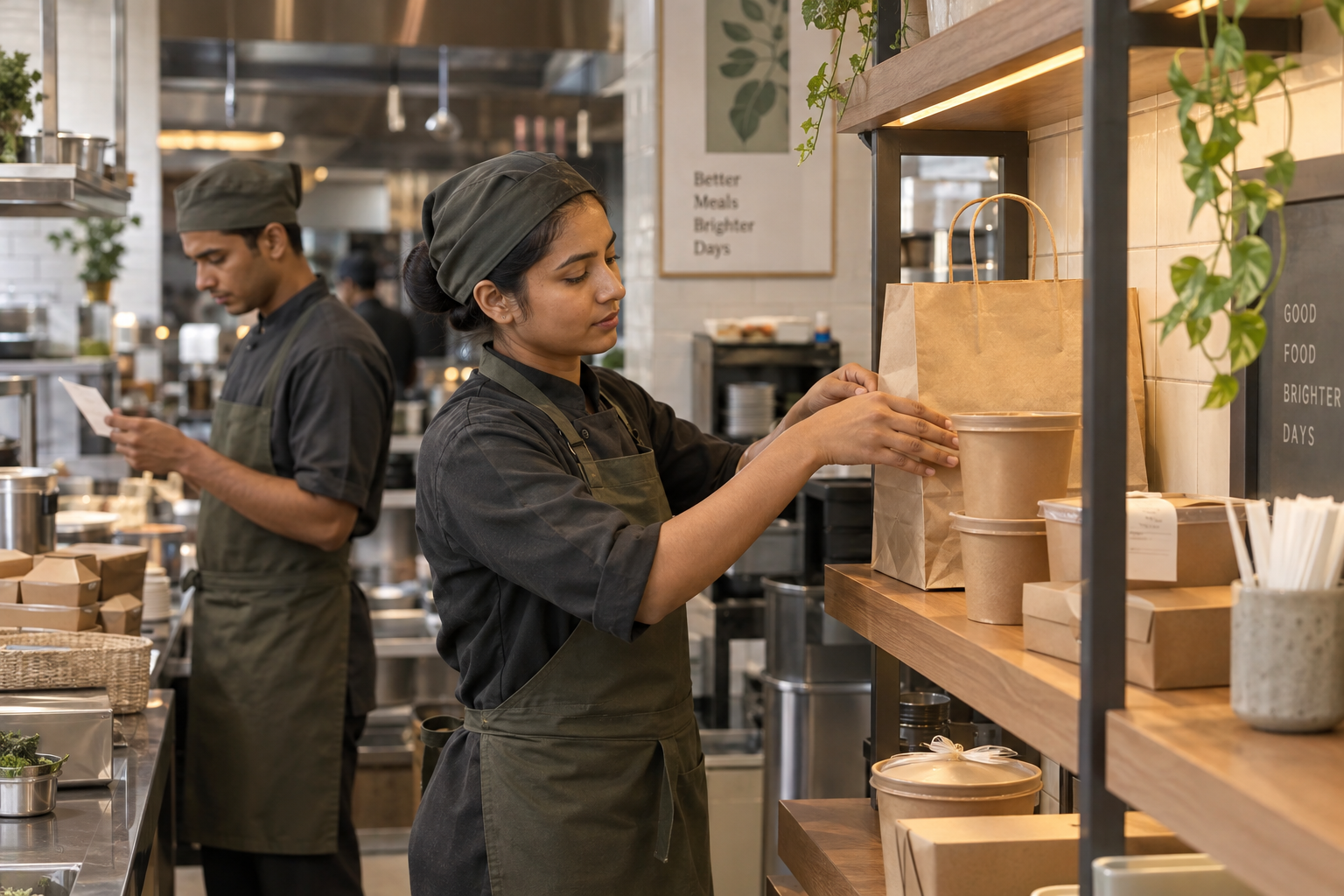
AT THE RESTAURANT
Walk through a pickup.
For food delivery app teams: explore how a pickup condition changes the fleet-support brief. Your app owns assignment and the customer offer; restaurant preparation and fleet support need clear interfaces.
Confirm readiness before changing the plan.
- 01
Restaurant
- 02
Pickup point
- 03
Captain
- 04
Handover
When preparation is still underway
Confirm the restaurant’s readiness signal, identify who updates the Captain and agree who can change the assignment. Record preparation waiting separately from a queue for an already packed order.
When an order is ready
Bring the order reference, agreed packaging checks and collection confirmation together at a clear pickup point. Give an incomplete or uncertain handover a named owner.
When the pickup needs clarification
Pause the uncertain handover, clarify the reference or collection point and use the agreed escalation route. Keep the Captain informed while the responsible partner resolves it.
Use this to shape your fleet brief: vehicle capacity, Captain support, escalation ownership and the working terms for your app partnership.
Read the guide to waiting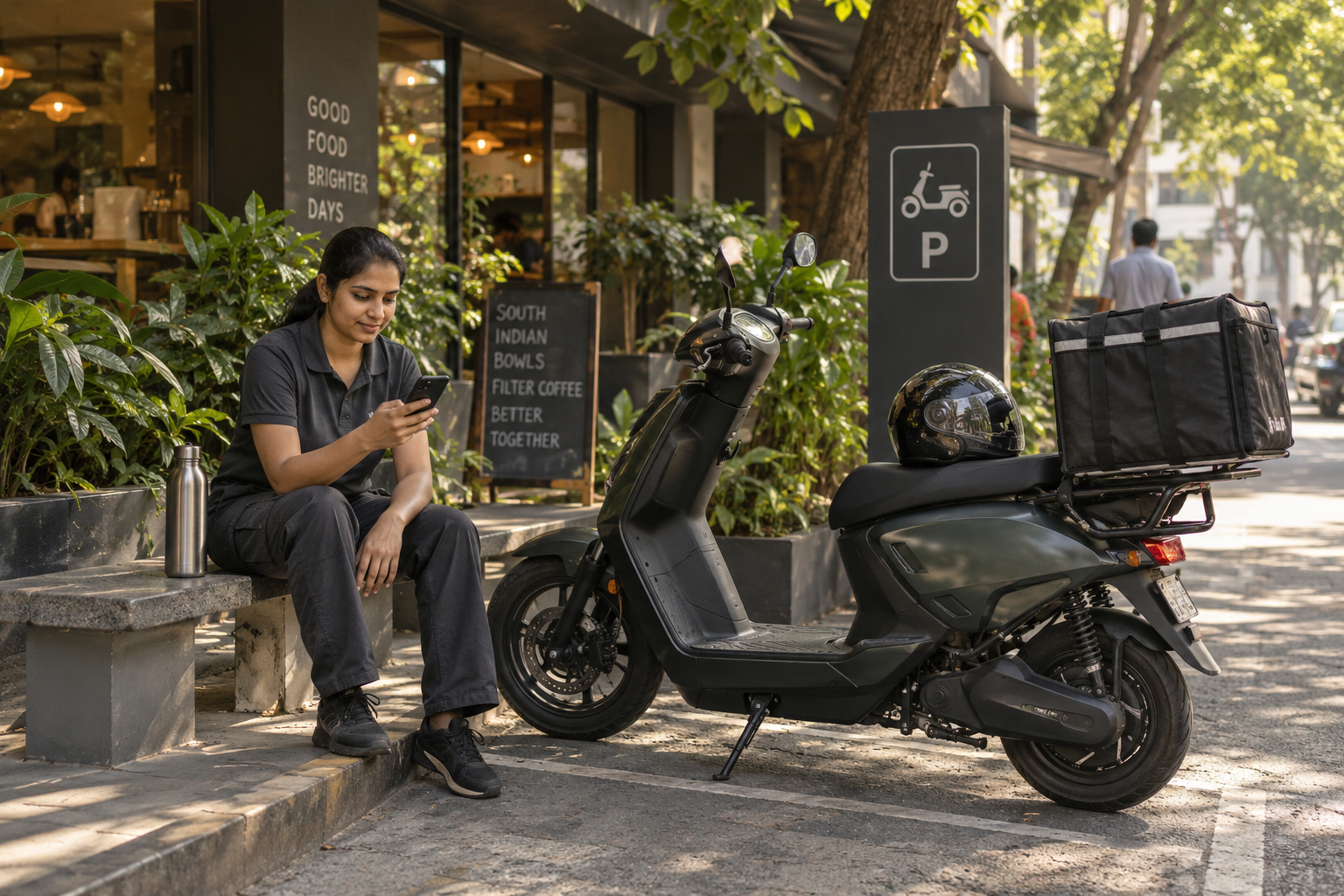
AROUND THE MEAL WINDOW
A busy period needs a shared plan.
Your app’s demand pattern, restaurant collection conditions and Captain availability need to be considered together. That shared brief shapes the vehicles, Captain coordination and operating support around each window.
Read the meal-window planning guideWORKING WITH YOUR APP
Your app’s requirement.
A clearly scoped fleet role.
Bring your app’s pickup clusters, meal windows and fleet requirement. Shape vehicle access, Captain coordination and operating support around the collection work your service creates.
Discuss an app partnershipYour app manages customer orders, assignment, routing and the consumer offer. Sparrow’s role centres on vehicle access and agreed fleet support, with clear responsibilities, working interfaces and commercial terms.
- Where does the handover need support?
- Preparation signals, collection access, Captain coordination and the path for exceptions.
- Which responsibilities does each partner hold?
- Define the app, fleet operator, Captain and site responsibilities, including the interface for assignments, updates and exceptions.
- How will the operation be reviewed?
- Agree the operating records, costs and feedback to review together, so changes to the service follow the work on the ground.
NEWS & INSIGHTS
A closer look at food delivery.
A smoother restaurant pickup starts before the Captain arrives
A clear pickup point, a dependable readiness signal and a simple handover can make restaurant collection easier to coordinate.
Read the storyWhere waiting time enters a food-delivery journey
Separate preparation, access, handover and customer-access delays so the response addresses the part of the journey that needs attention.
Read the storyPlanning fleet support around meal-time peaks
Turn a busy lunch or evening period into a shared operating brief covering preparation, Captains, vehicle readiness and exception ownership.
Read the story